WoWs Toolkit

WoWs Toolkit

An open-source desktop tool for players who want to understand World of Warships in more depth.

Windows, Linux, macOS. MIT license. Runs locally.

Armor view

Drag to orbit. Hover a plate to read it. Click to fire a shell from your viewing direction. The armor values on this model are samples.

Shell

Thickness, mm

033160999

Want to see this for every ship? The armor viewer in WoWs Toolkit loads the real armor model of every ship from your game files.

Try it in WoWs Toolkit
01

Features

The toolkit reads the replays in your game folder and the game's own data files.

Replays

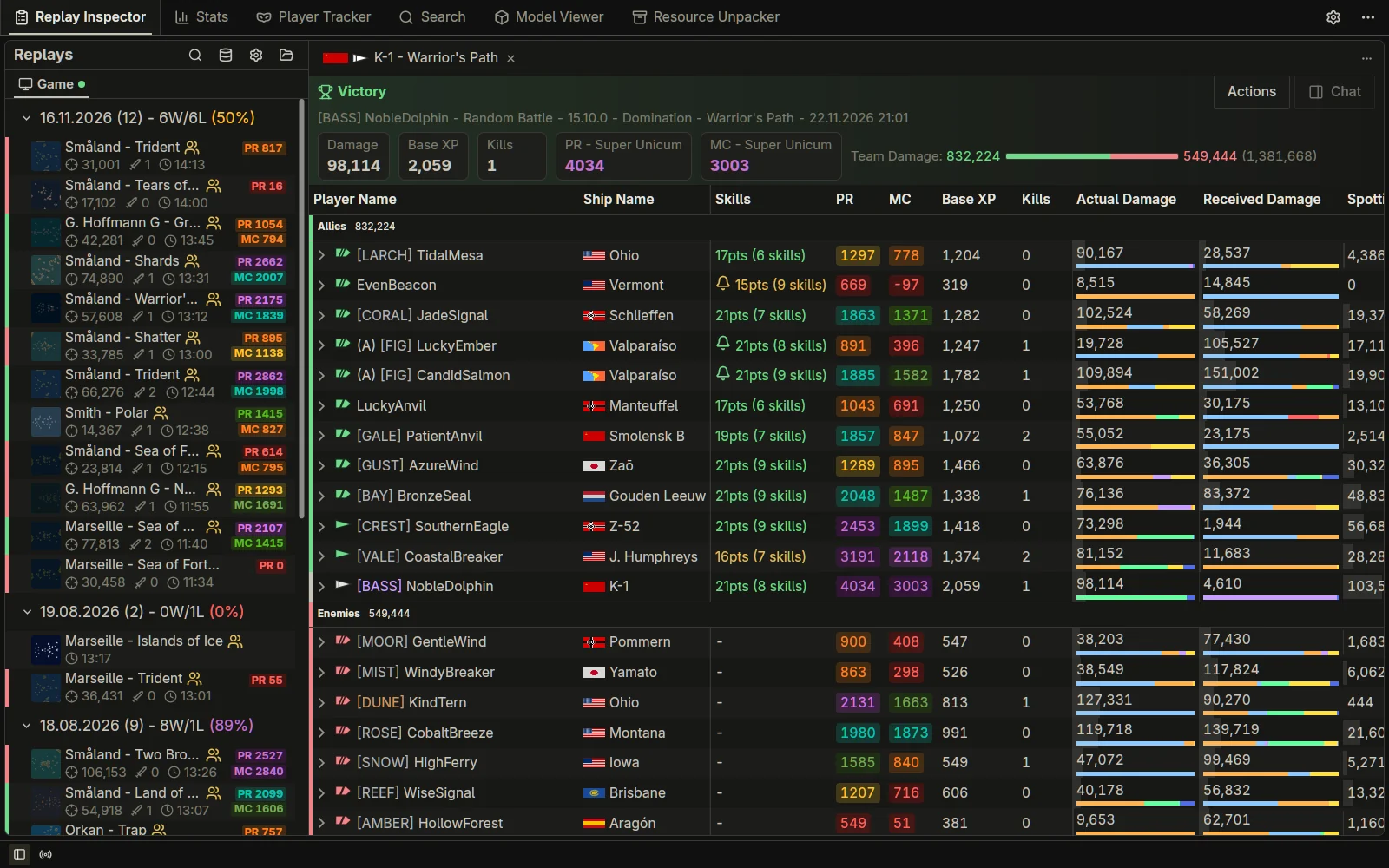
Replay inspector

Post-battle statistics for every player in a replay.

  • Damage dealt and received by type: AP, HE, SAP, fire, flooding, torpedoes
  • Spotting damage, potential damage, ribbons, and achievements
  • Builds, captain skills, and consumables for both teams
  • Damage between each pair of players
  • Chat log and match export
Replay inspector
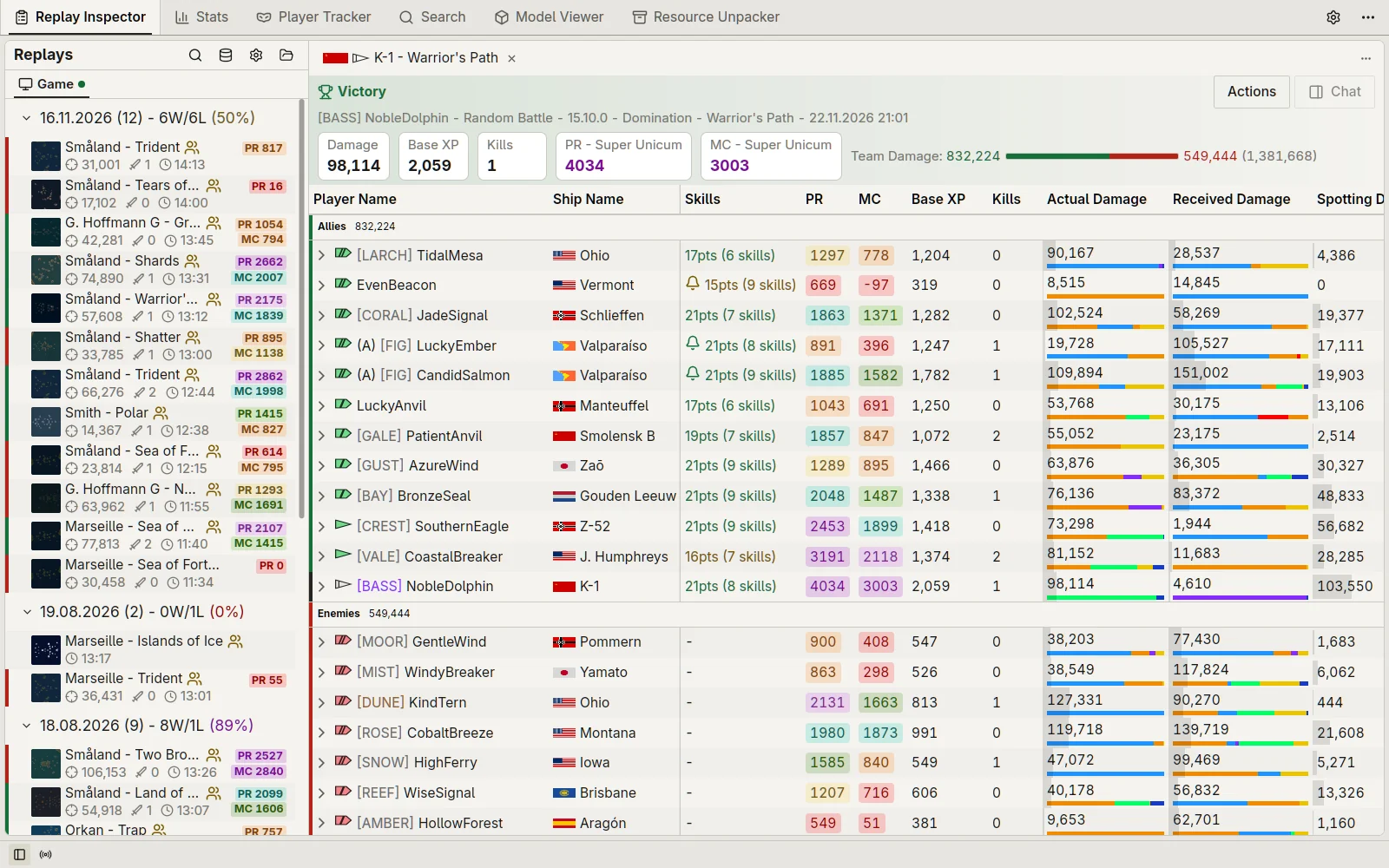
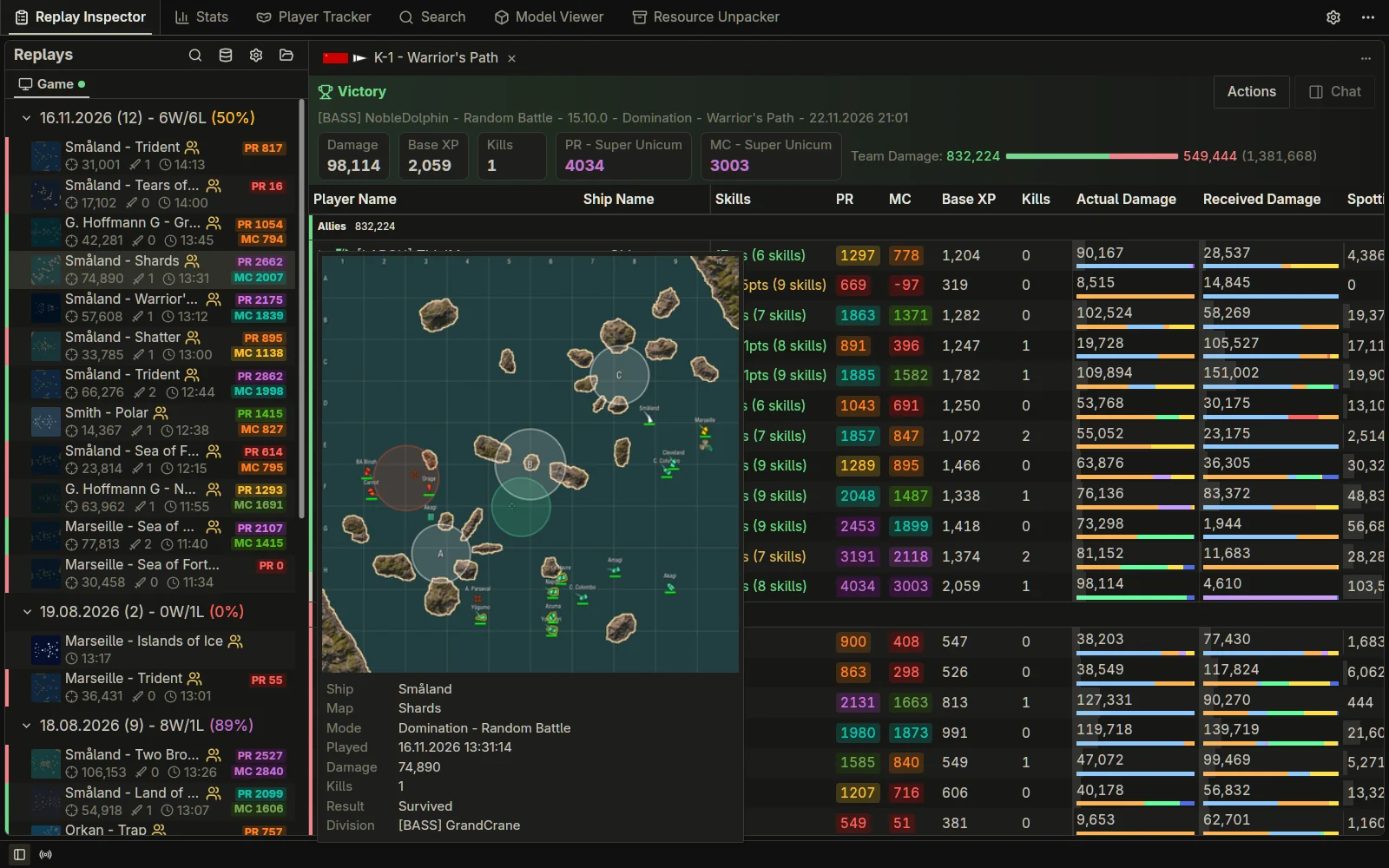
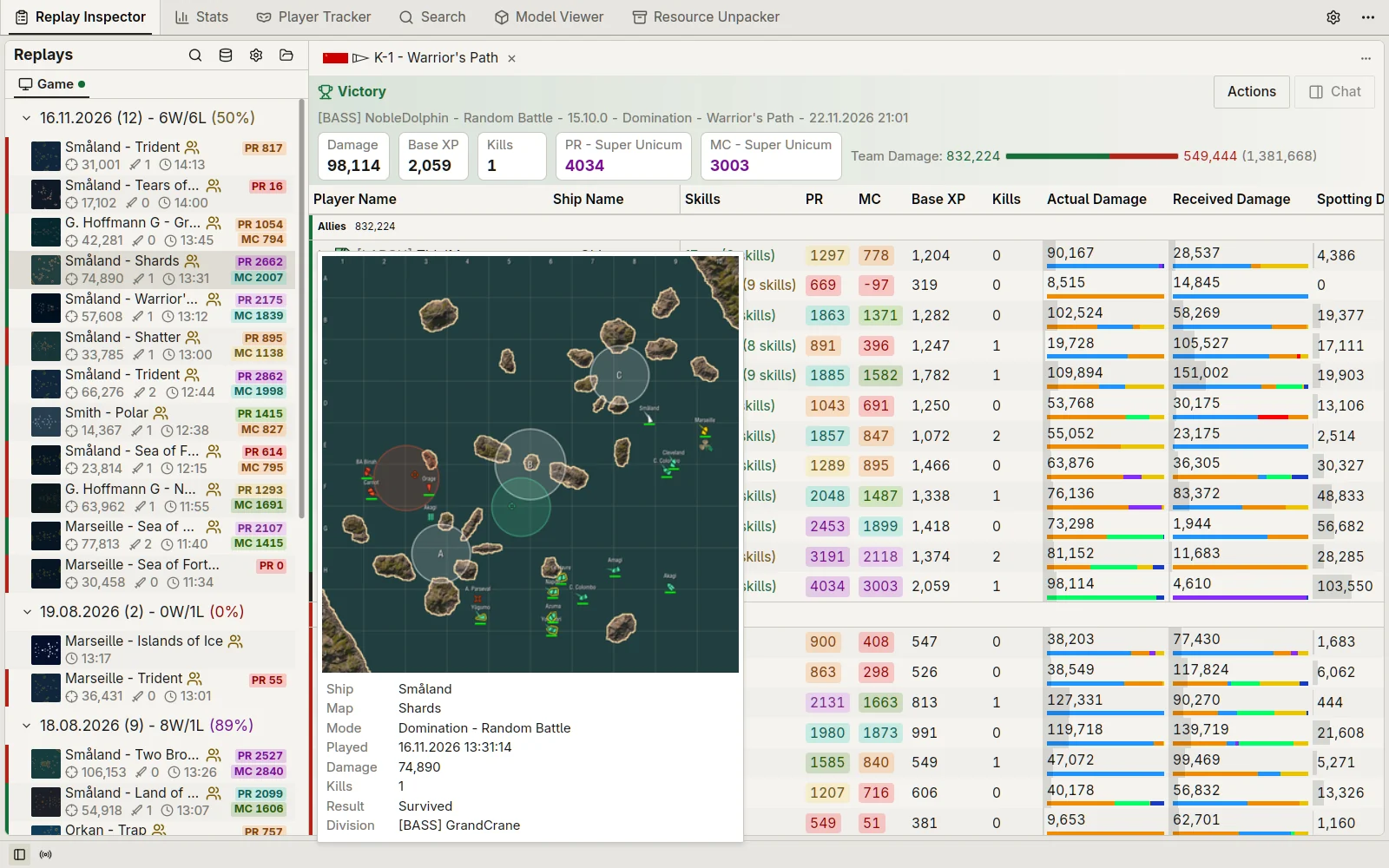
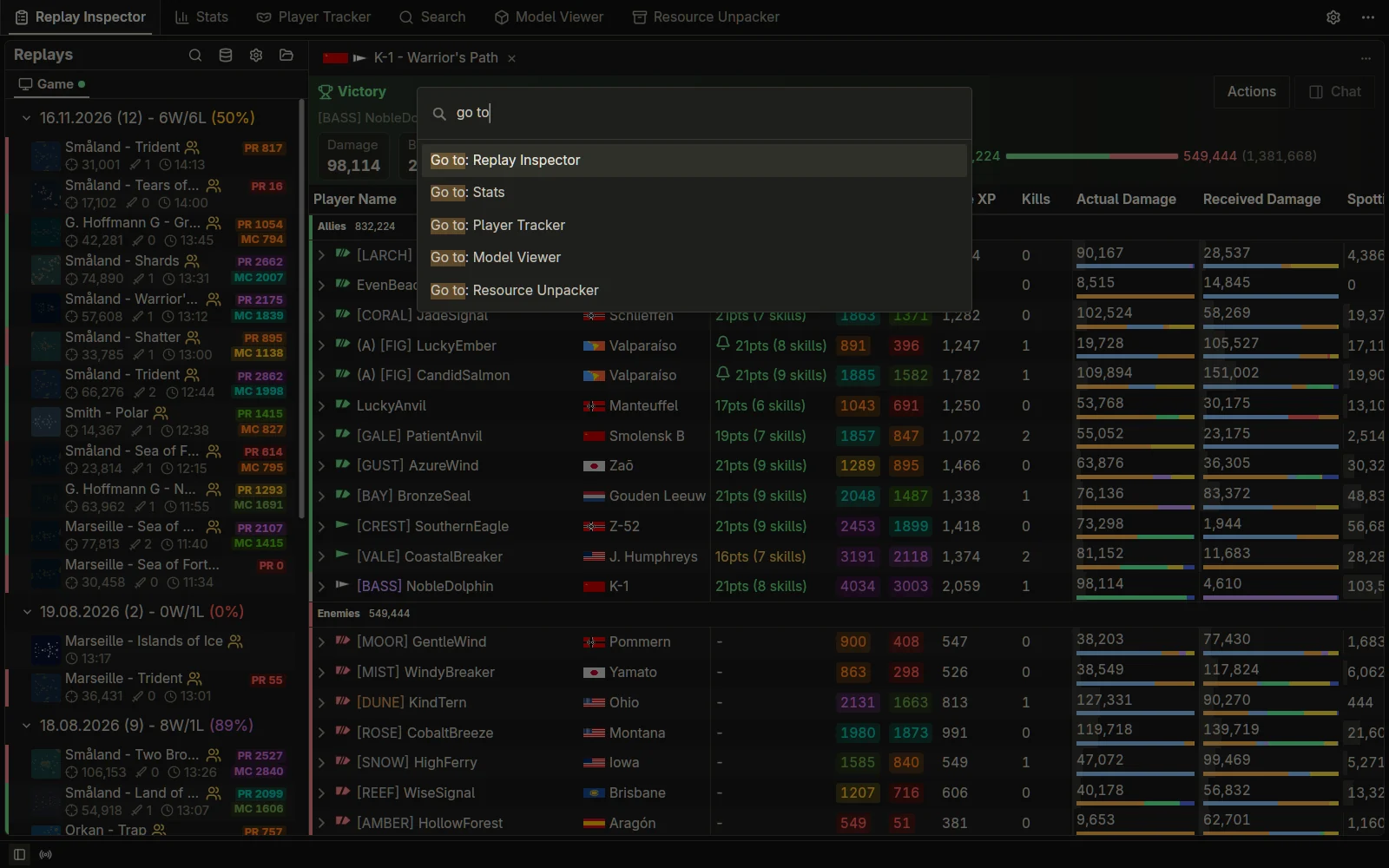
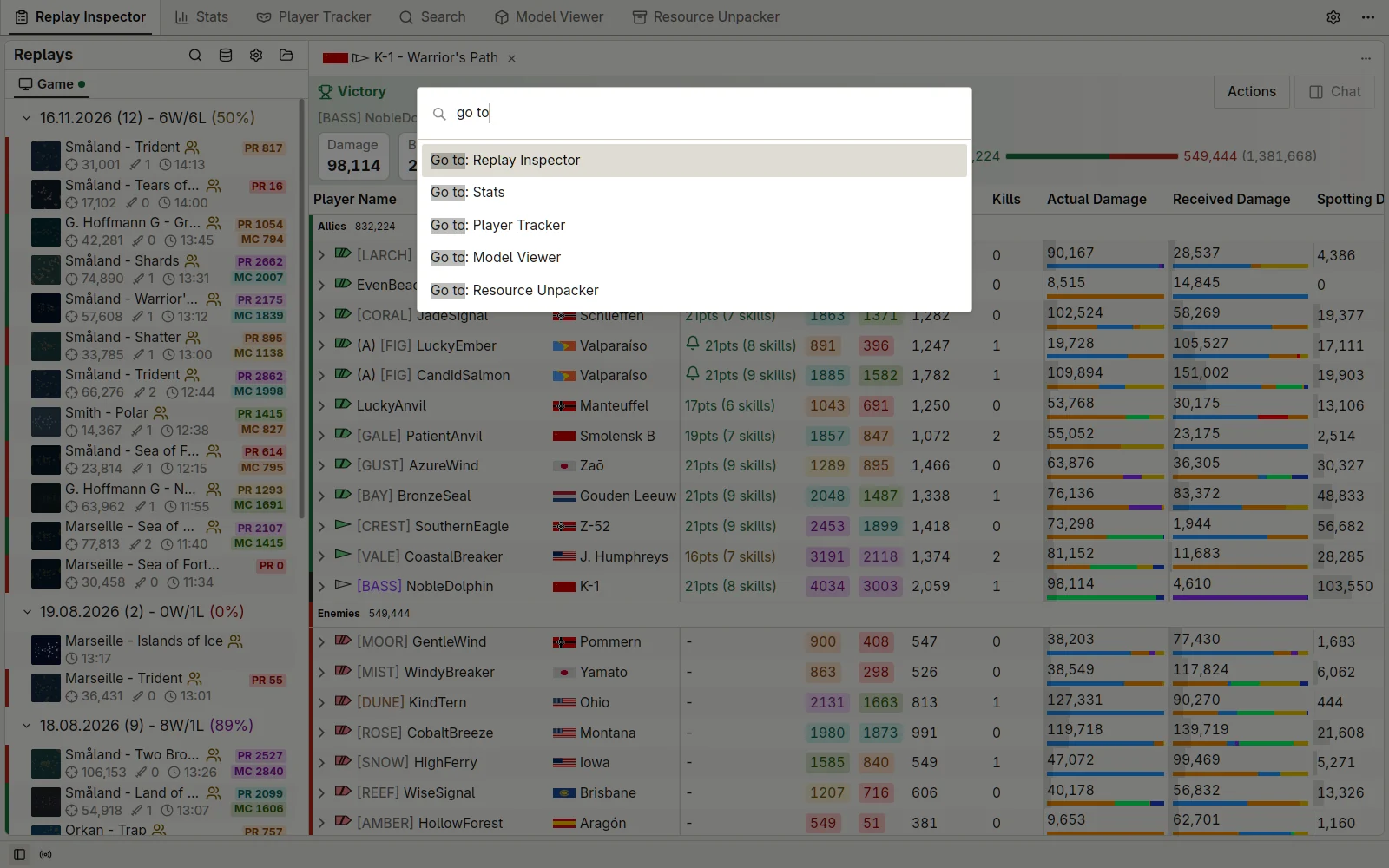
Replay inspector with the player table for both teams Replay inspector with the player table for both teams
Ratings New

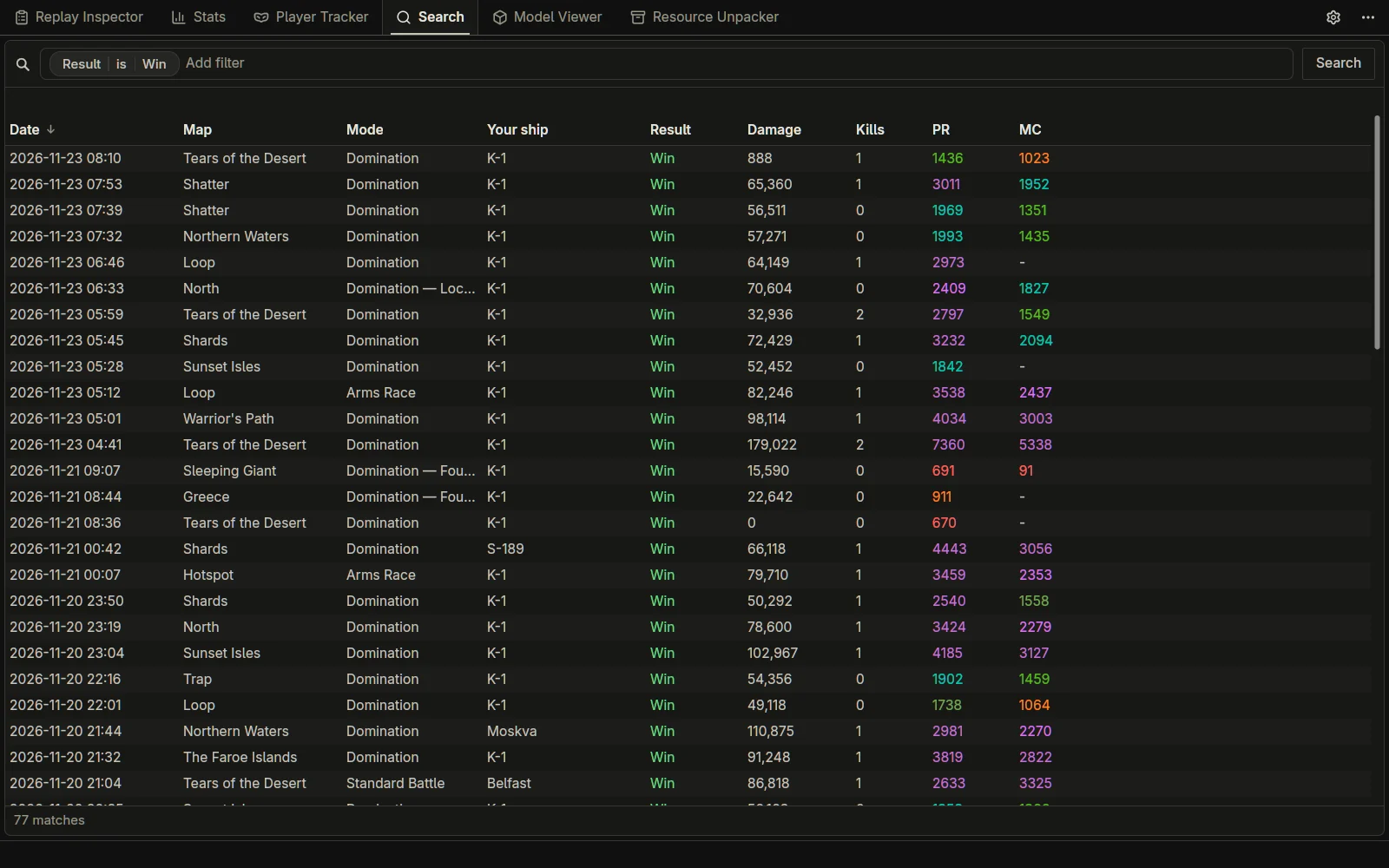
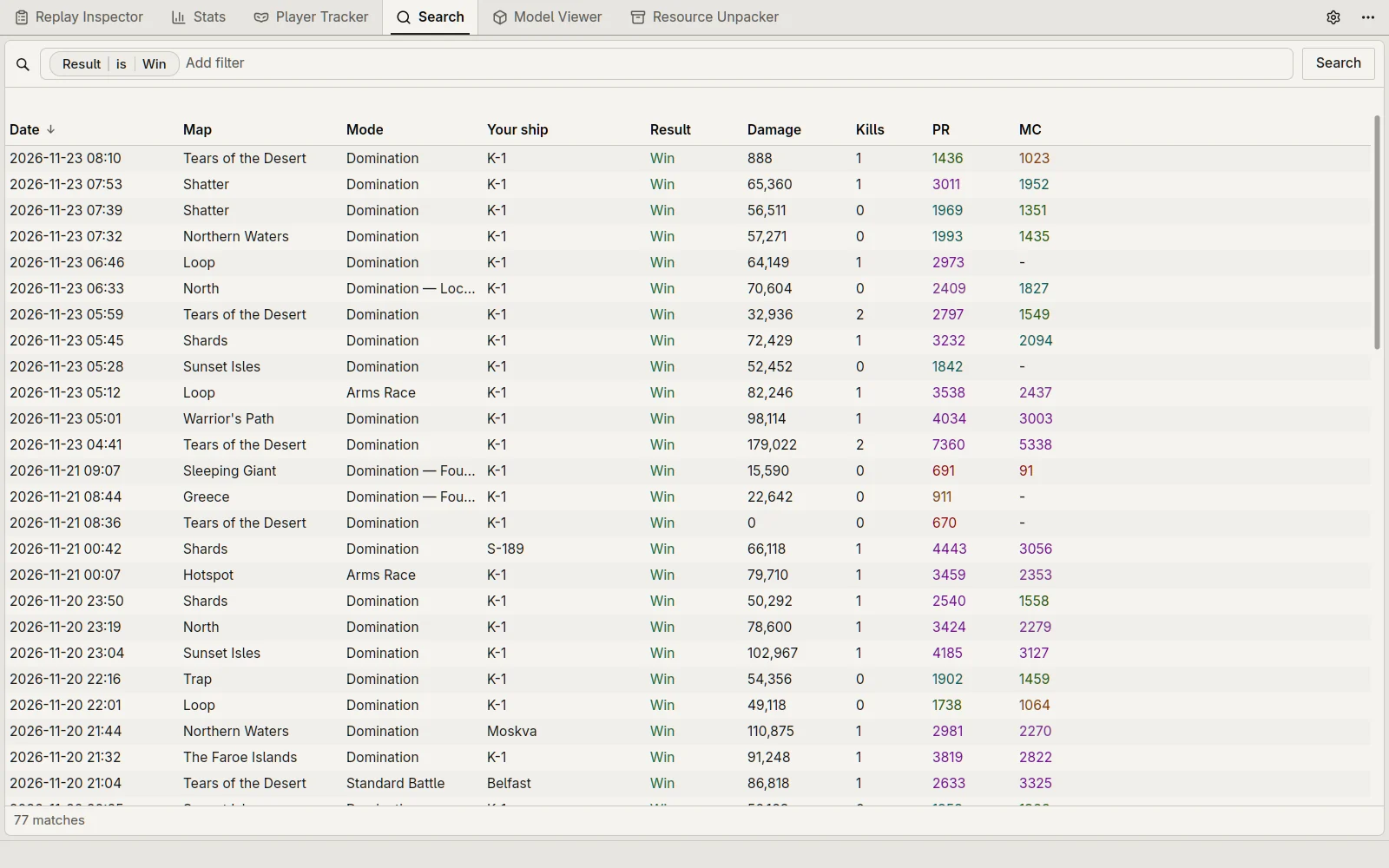
Match contribution

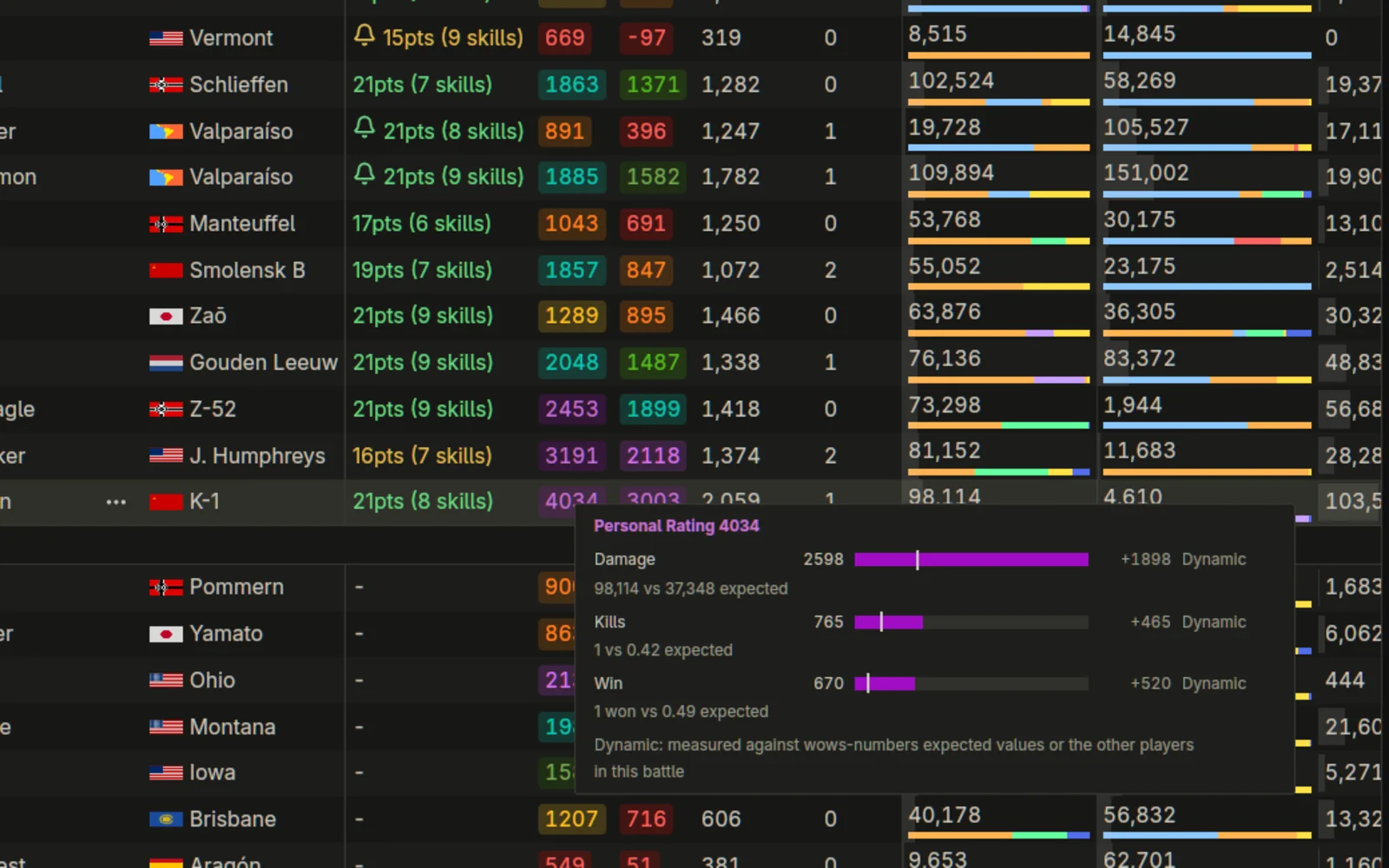
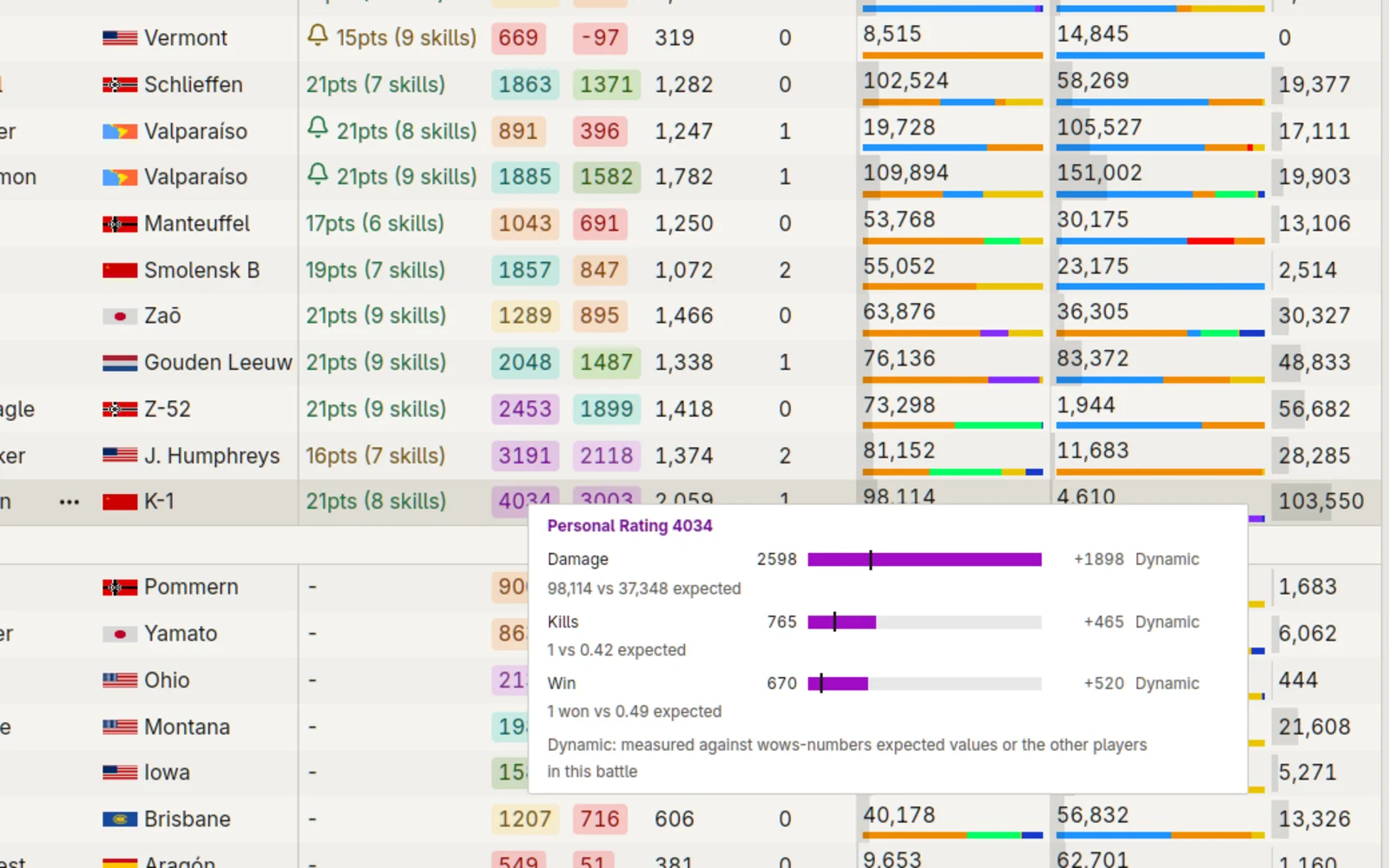
Match contribution (MC) rates a player's performance in one battle on the personal rating (PR) scale. Hover either rating to see its breakdown.

  • Shown in the replay table, search results, and stats
  • Stored in the replay index with the formula version
Rating breakdown
Rating breakdown hover card over the replay table Rating breakdown hover card over the replay table
Renderer

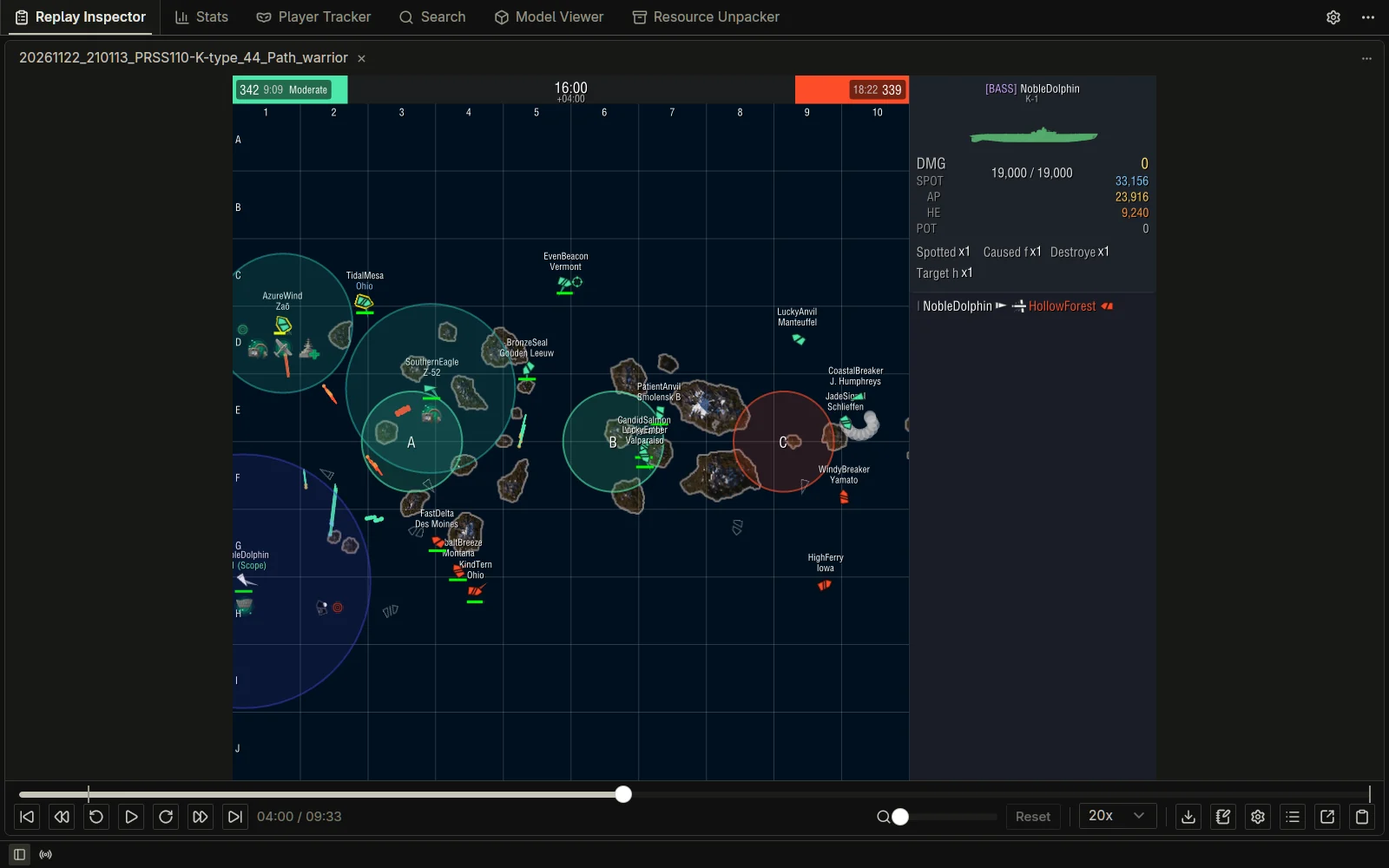
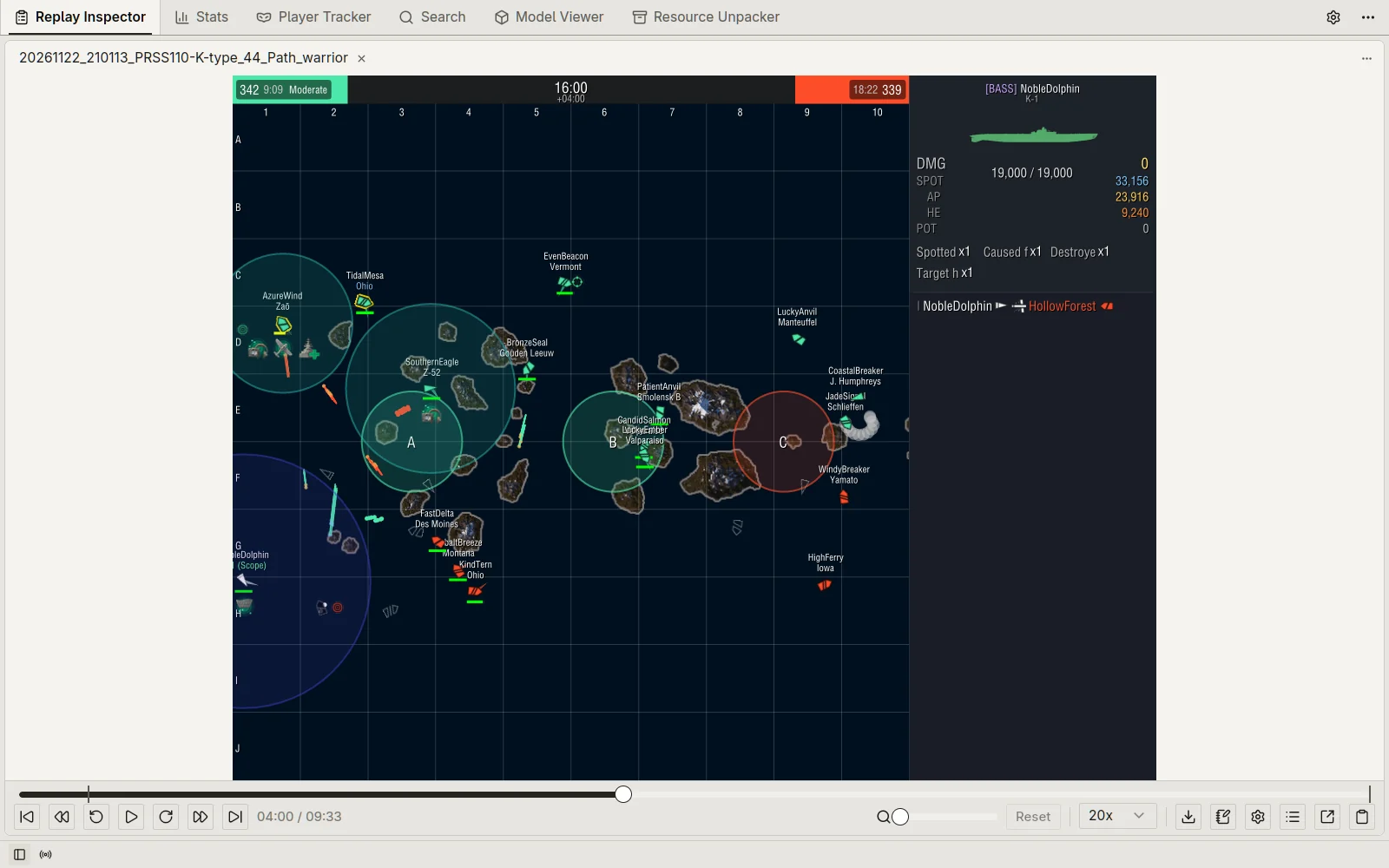
Replay renderer

Animated minimap playback of a replay. The player below is the toolkit's renderer compiled to WebAssembly, playing three and a half minutes of a recorded battle. Change the layers, speed, or position while it plays.

  • Timeline scrubbing and playback speed
  • Detection, firing, and radar ranges per ship
  • Kill feed, chat, and roster overlays
  • Video export
Replay renderer
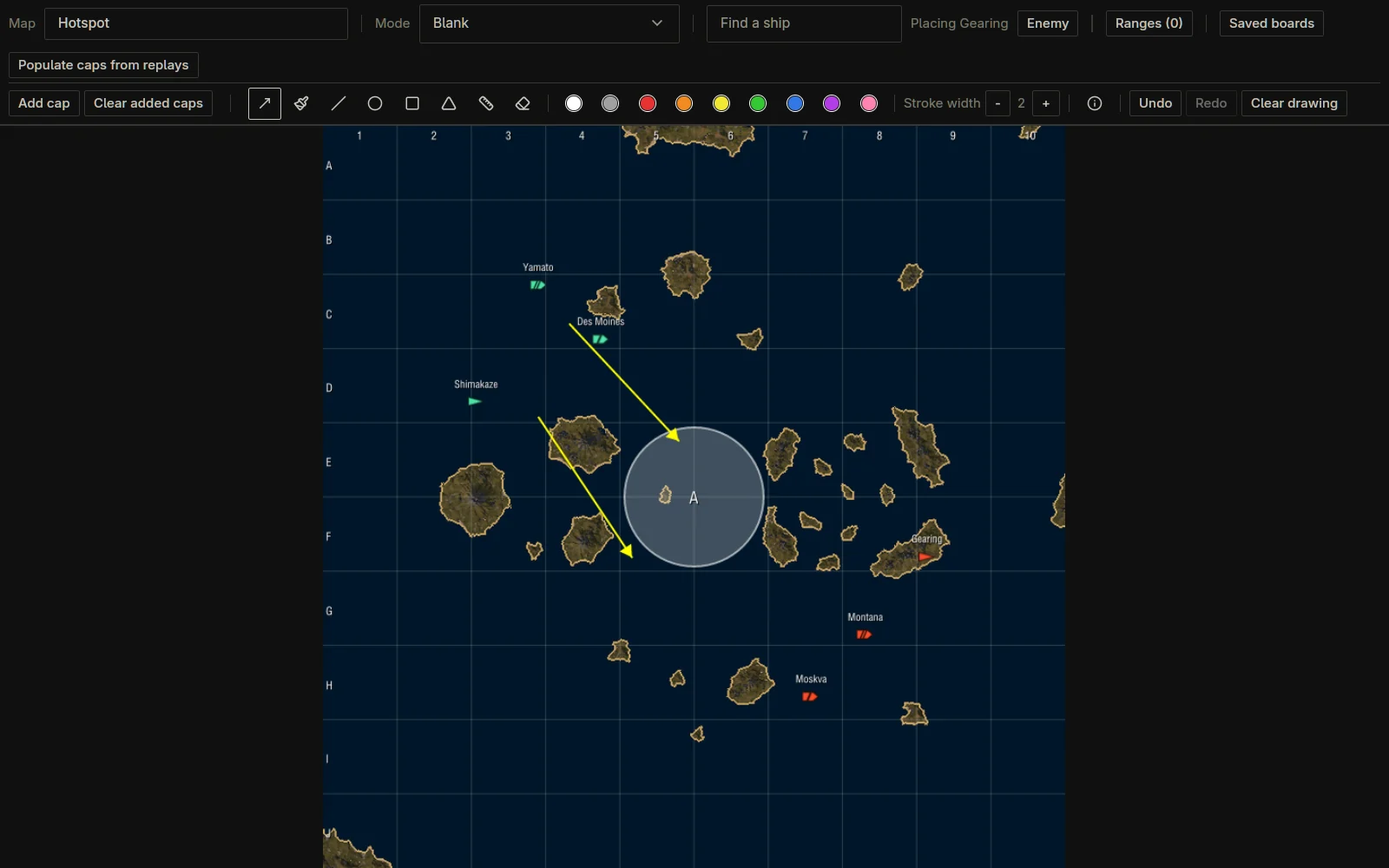
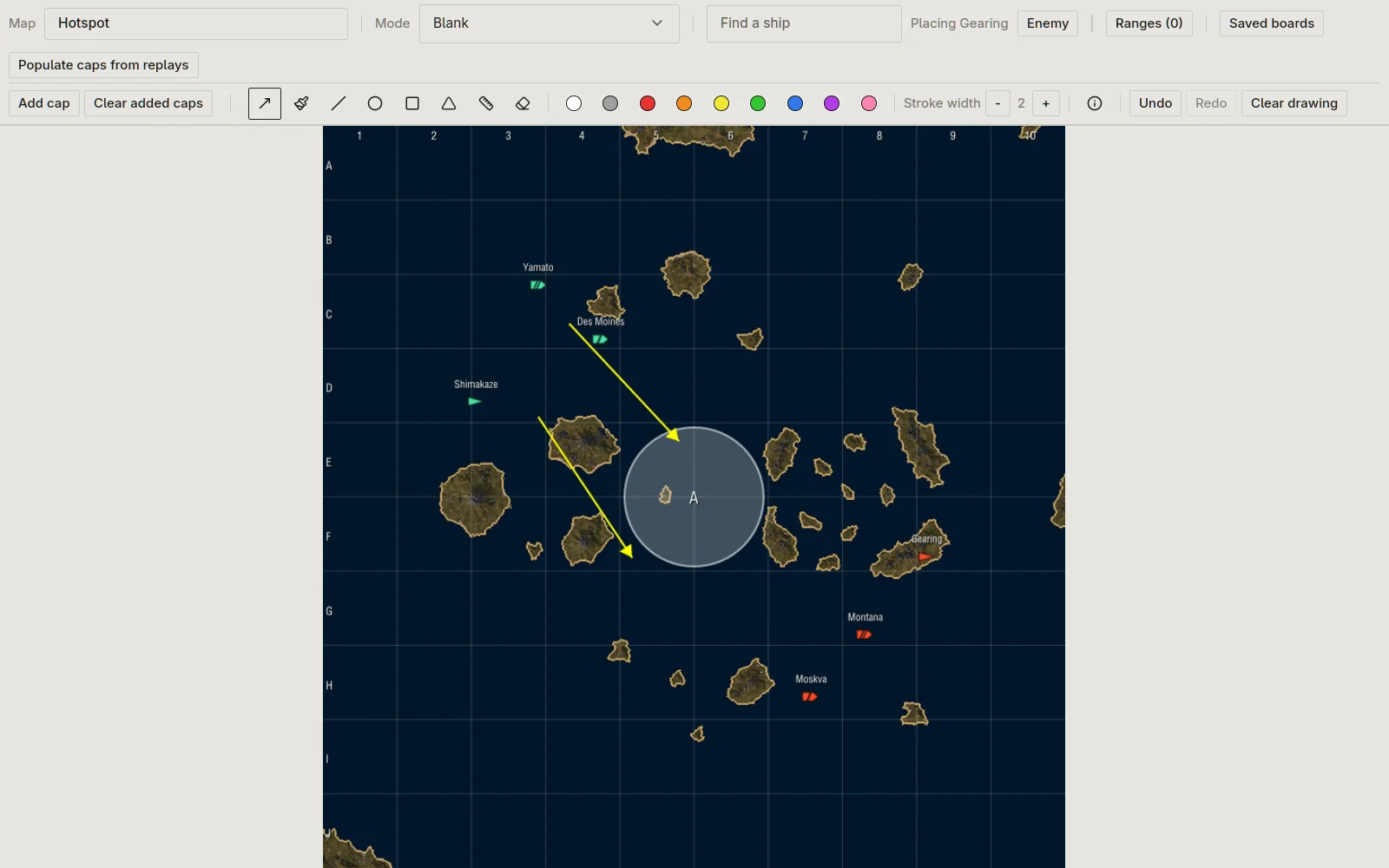
Minimap playback of a replay Minimap playback of a replay
Armor

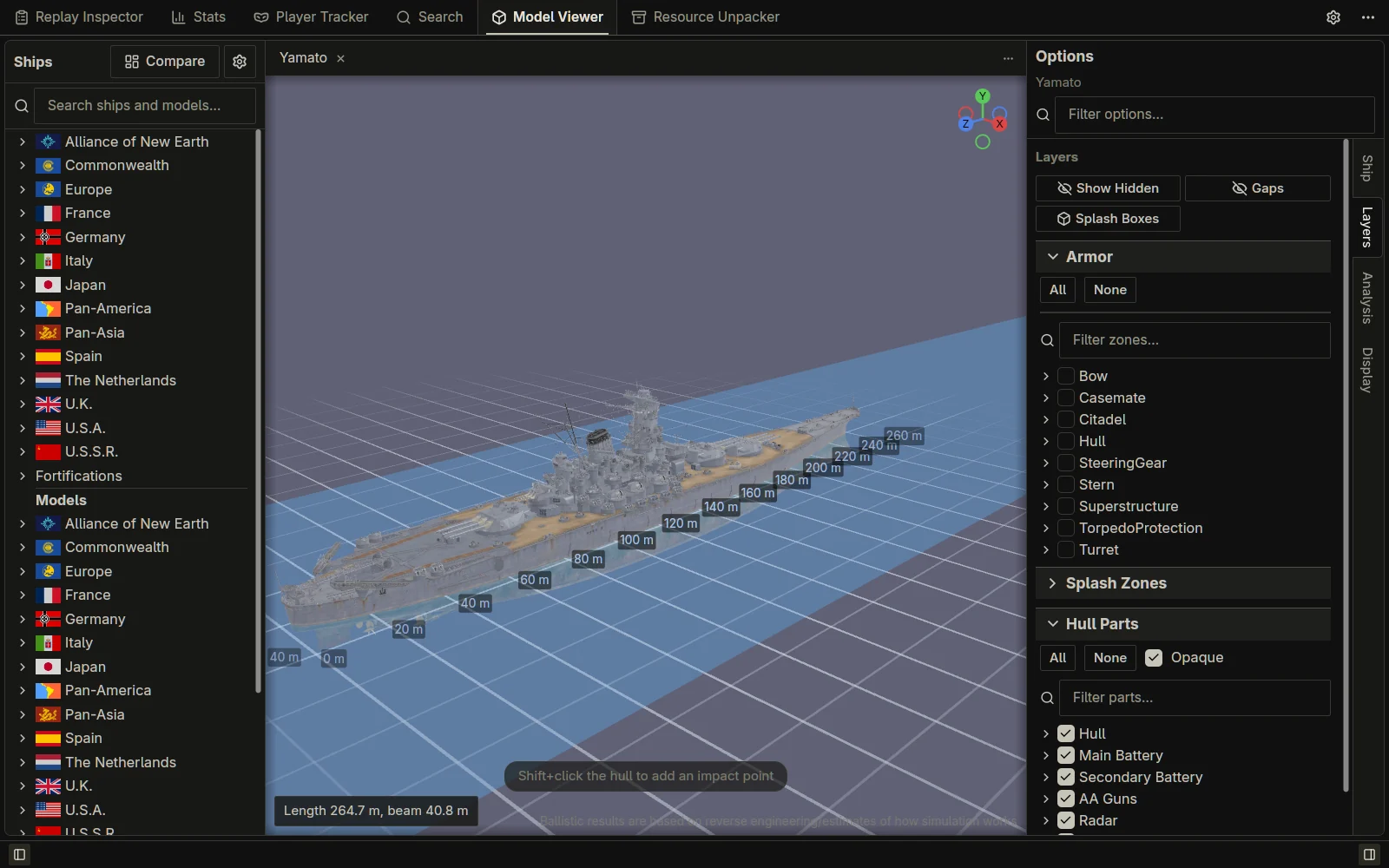
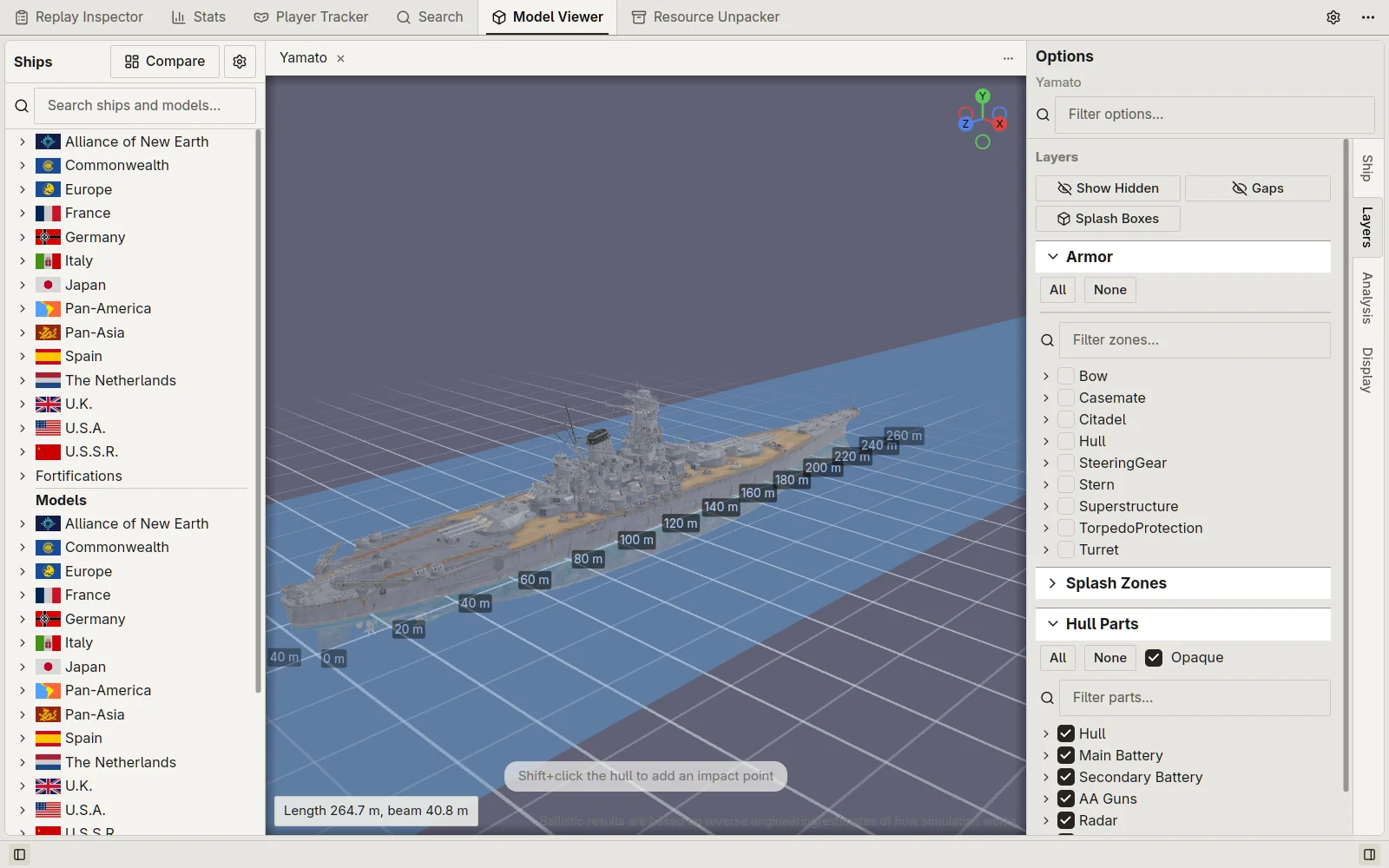
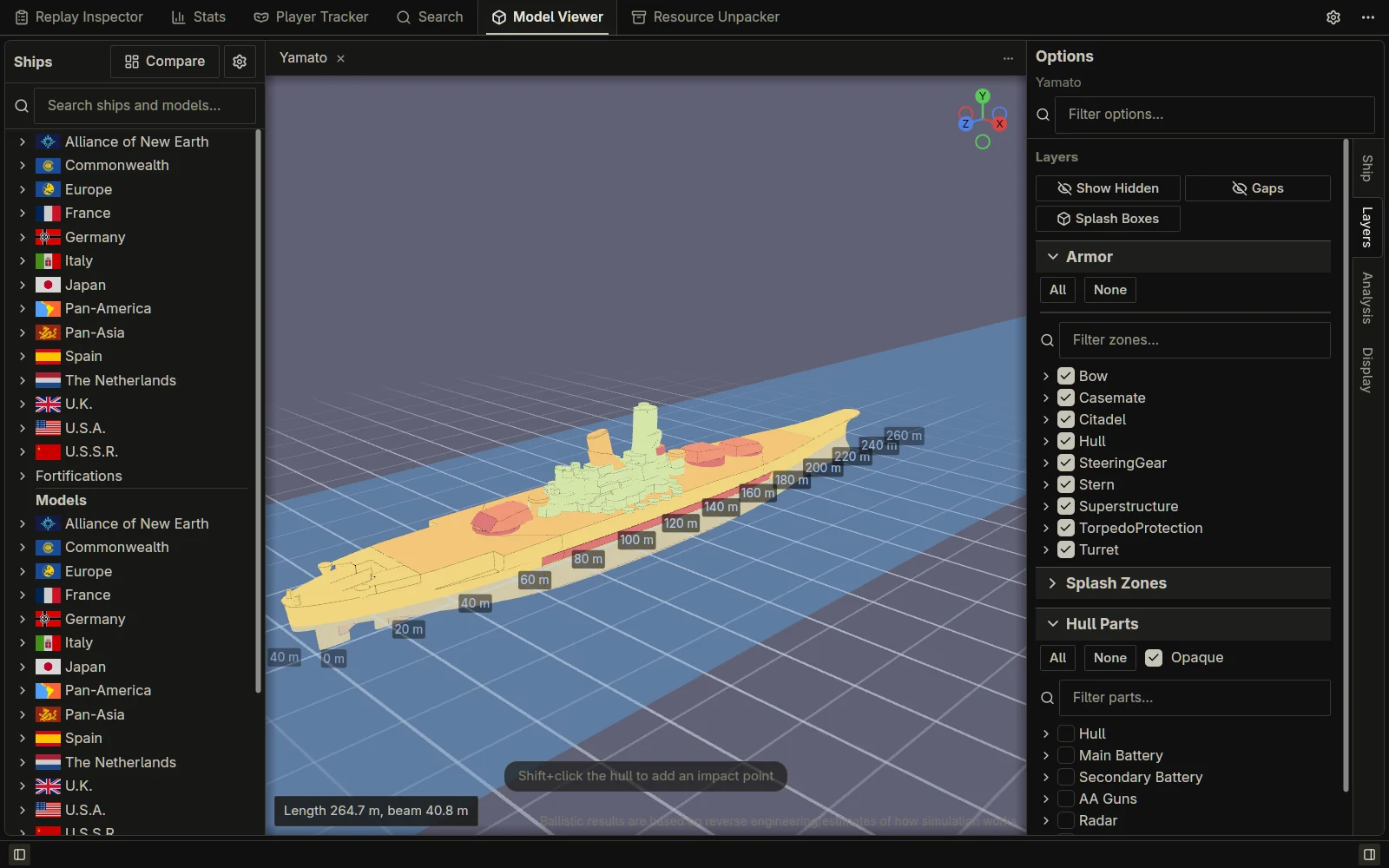
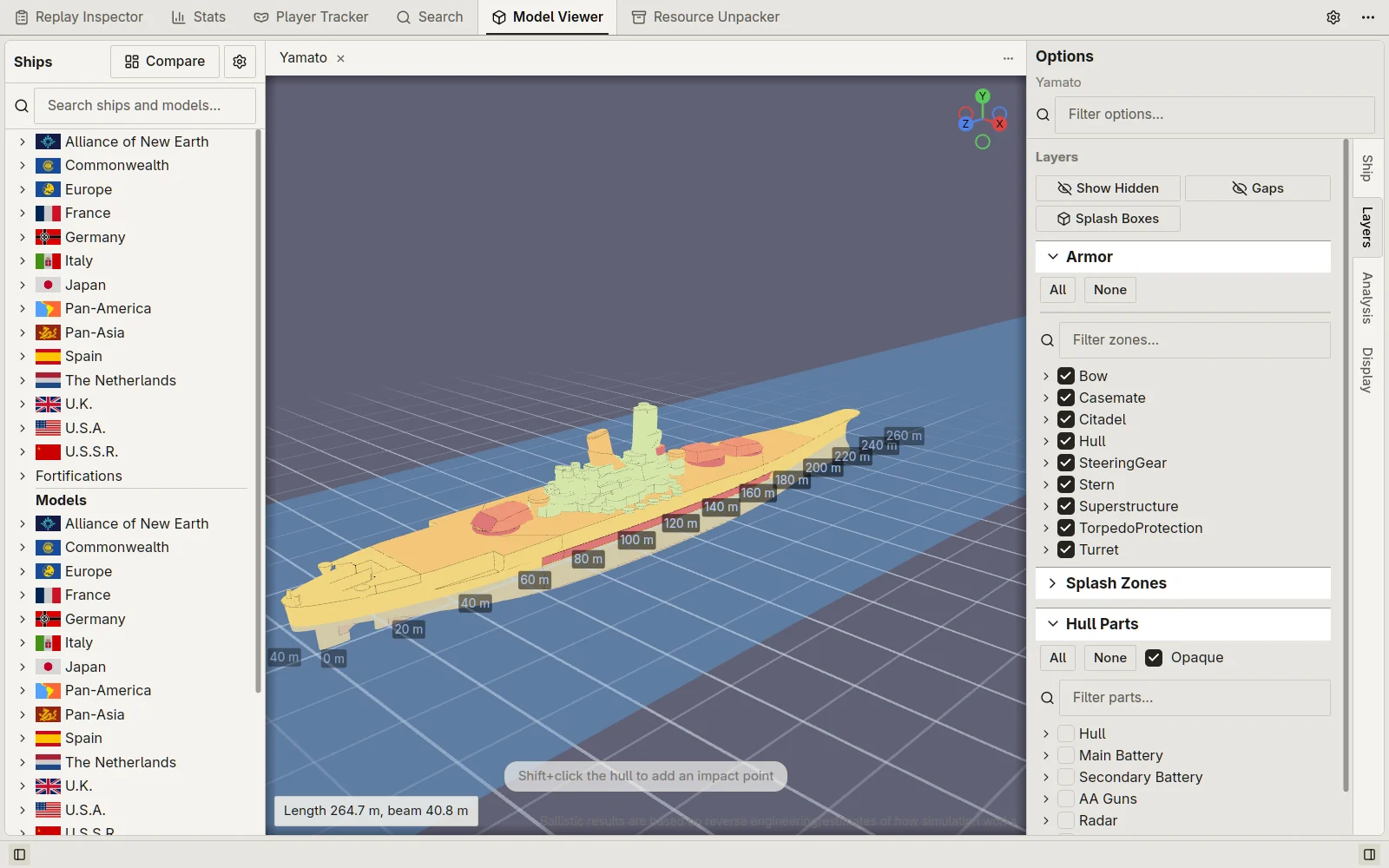
Armor and model viewer

The 3D armor model of any ship, colored by thickness with the game's color scale. Any other model in the game can be opened too, including armored buildings and gun mounts.

  • Shell trajectory through each plate, with overmatch, ricochet, and penetration results
  • Penetration checker
  • Incoming fire from a replay plotted on the hull
  • Camouflage rendering and GLB export

The model at the top of this page has an armor view with sample values.

Model viewer
Model viewer showing a ship's textured hull Model viewer showing a ship's textured hull Model viewer showing a ship's armor plates colored by thickness Model viewer showing a ship's armor plates colored by thickness
Stats

Session stats

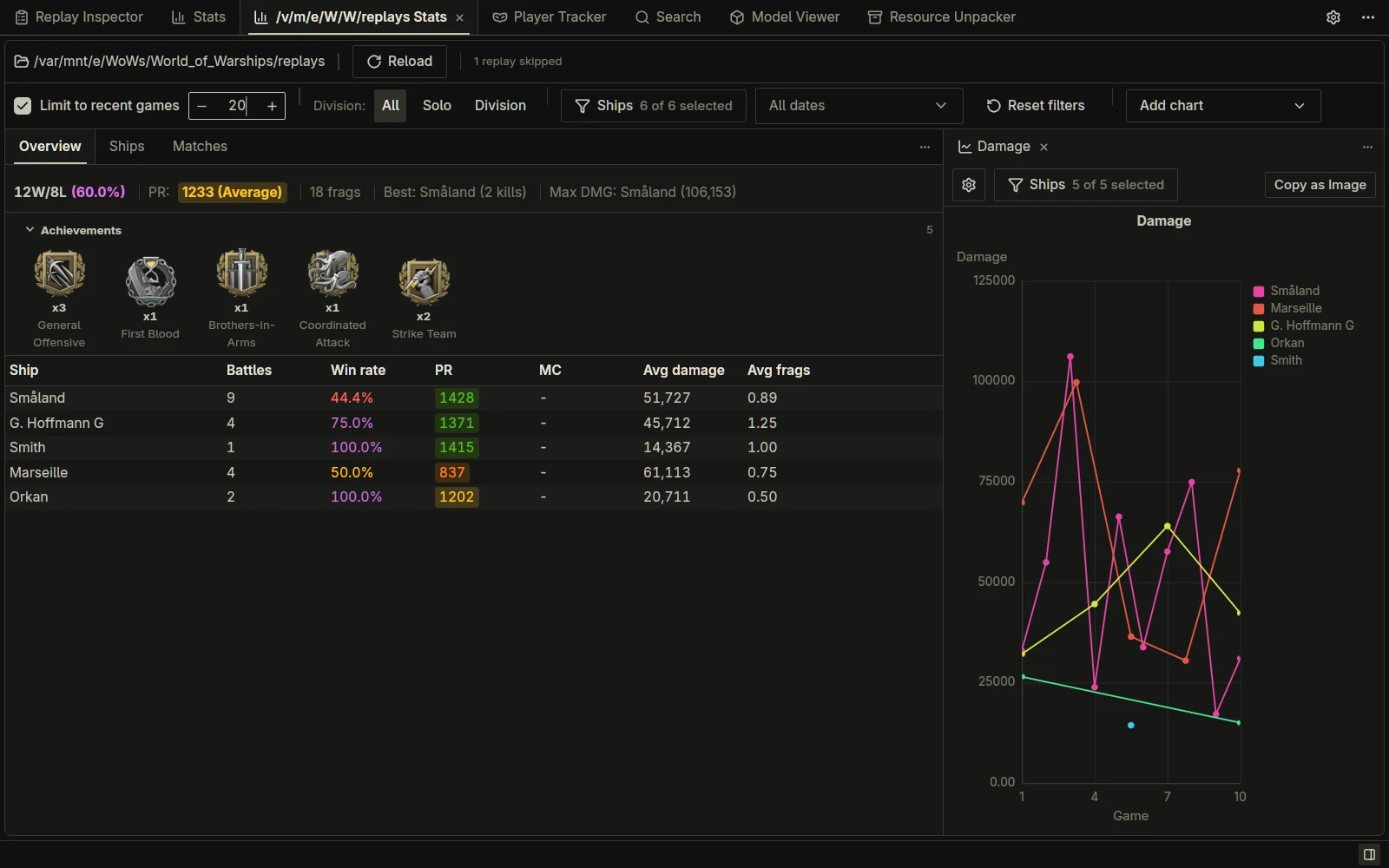
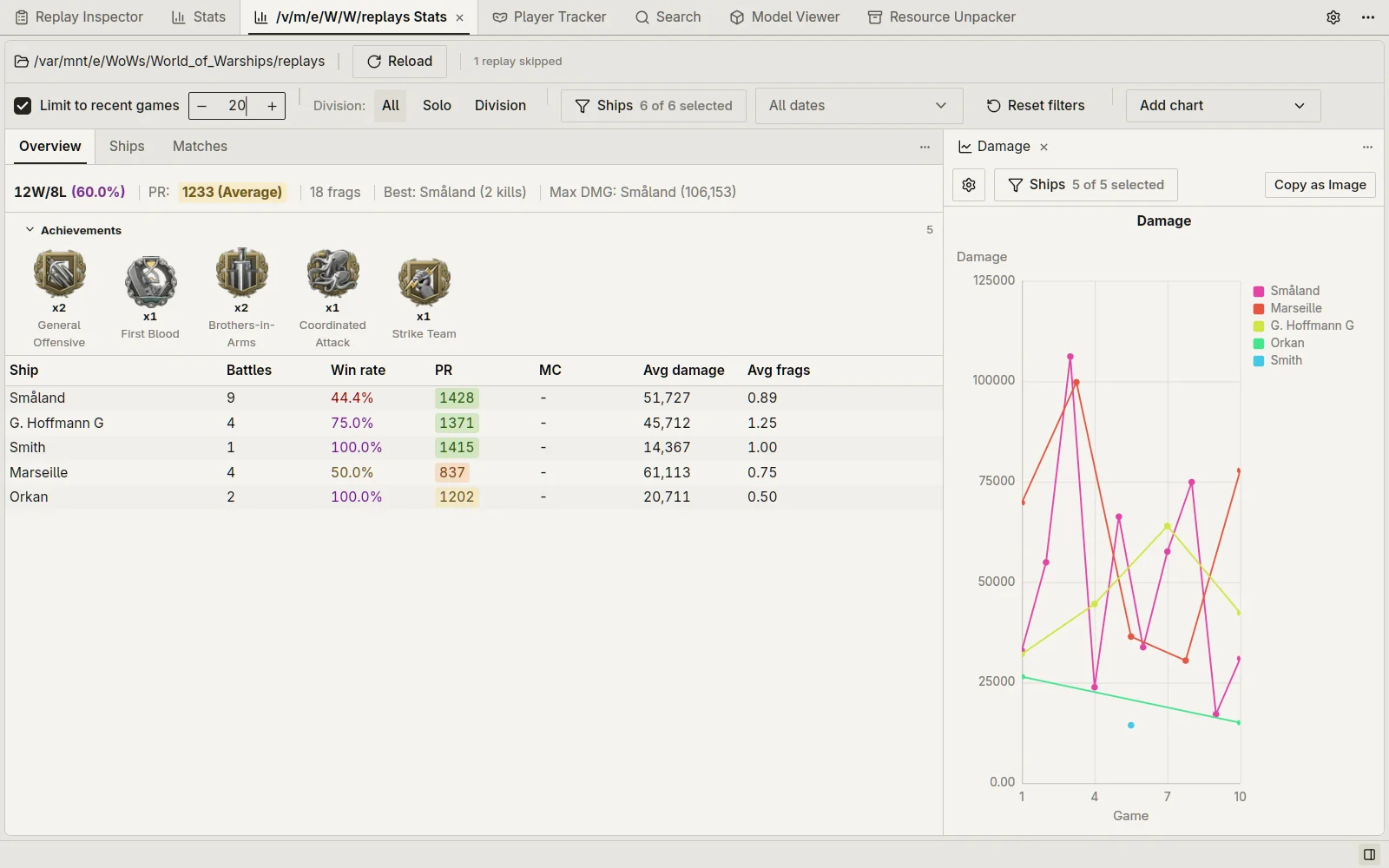
Win rate, personal rating, damage, and other statistics across a session or a folder of replays.

  • Filters for division, game mode, and number of games
  • Per-ship table
  • Charts for any statistic
Session stats
Session statistics with per-ship table and chart Session statistics with per-ship table and chart
Players Redesigned

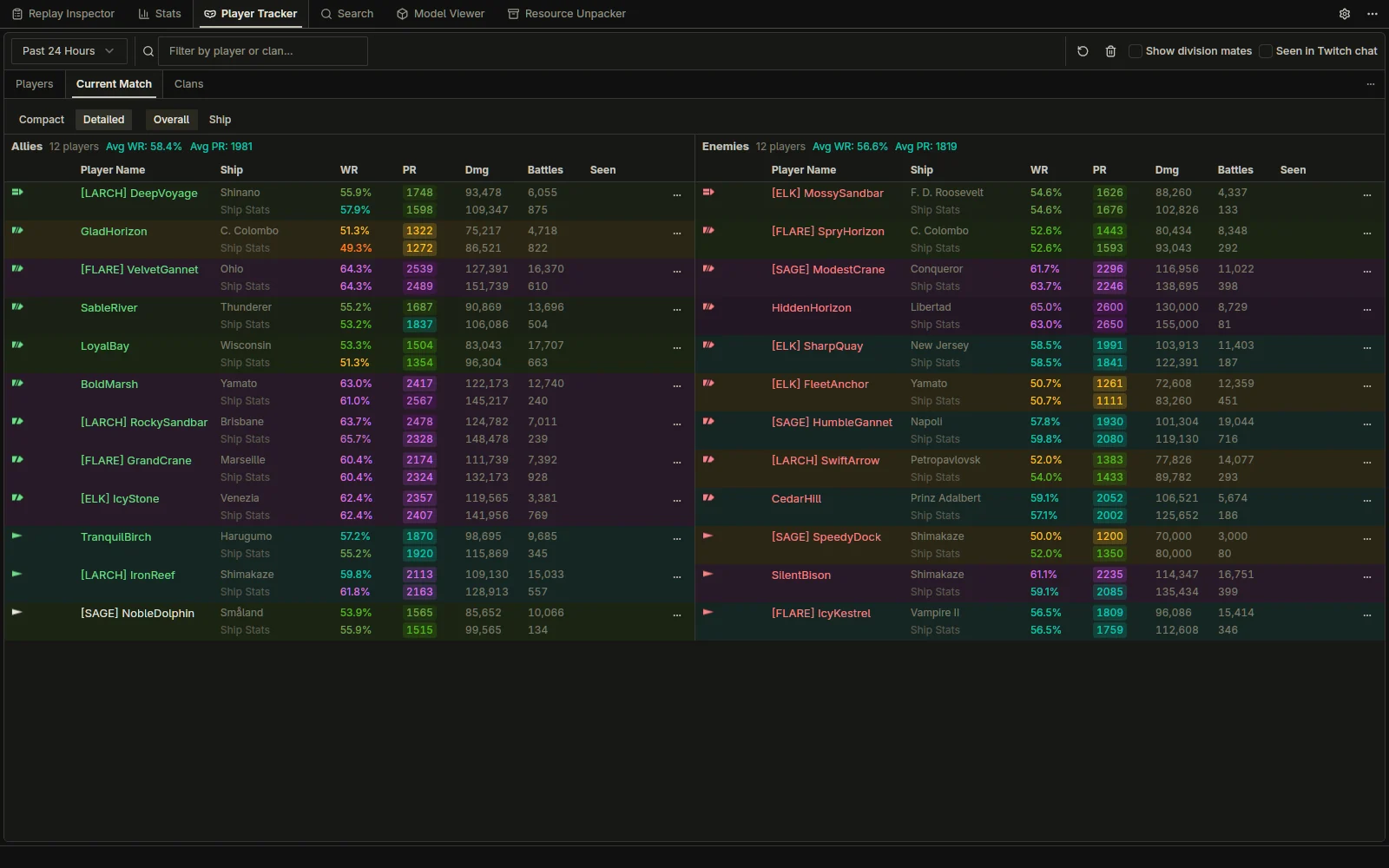
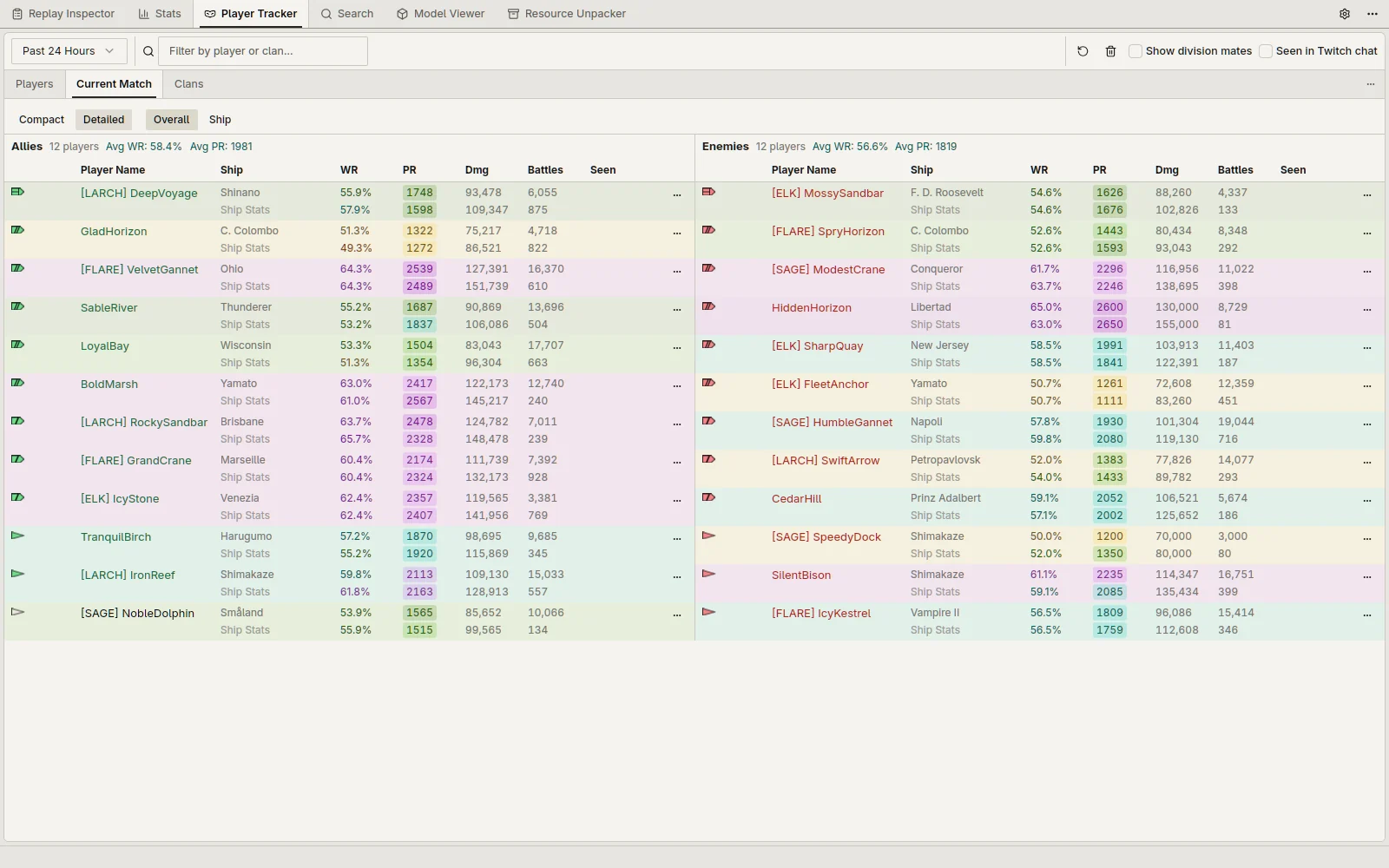
Current match and player tracker

During a battle, the current match view lists every player with their win rate, PR, average damage, and battles, for the whole account or for the ship they are in.

  • Team averages for win rate and PR
  • How often you have met each player, and your notes on them
  • Players and clans you have met over a chosen time period
  • Marks players who may be watching your Twitch stream
Current match
Current match view with stats for both teams Current match view with stats for both teams
02

New in 1.1

Read the full 1.1.0 release notes.

01

New interface

A new desktop interface with panels that dock and split, and light and dark themes.

02

Launcher

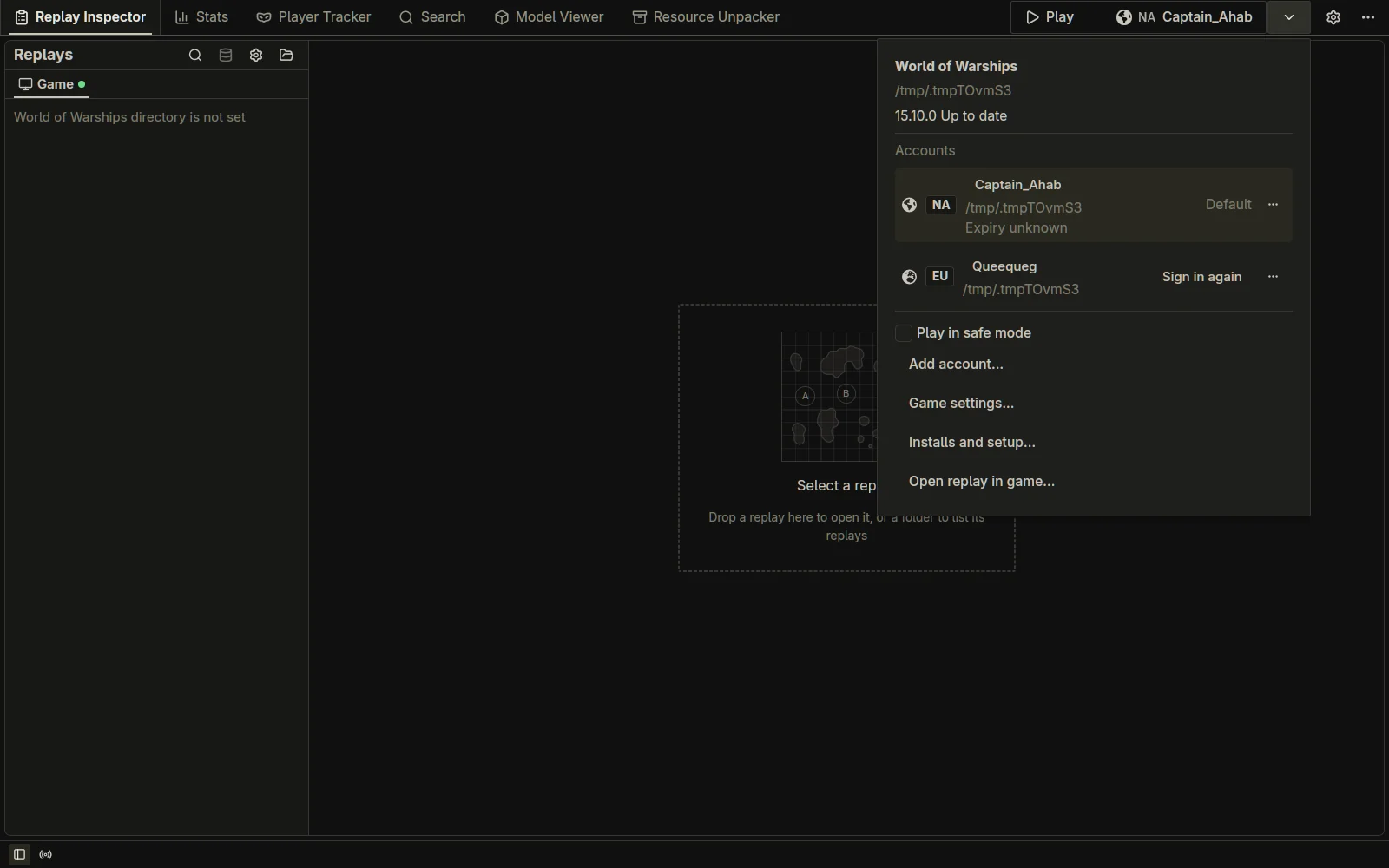
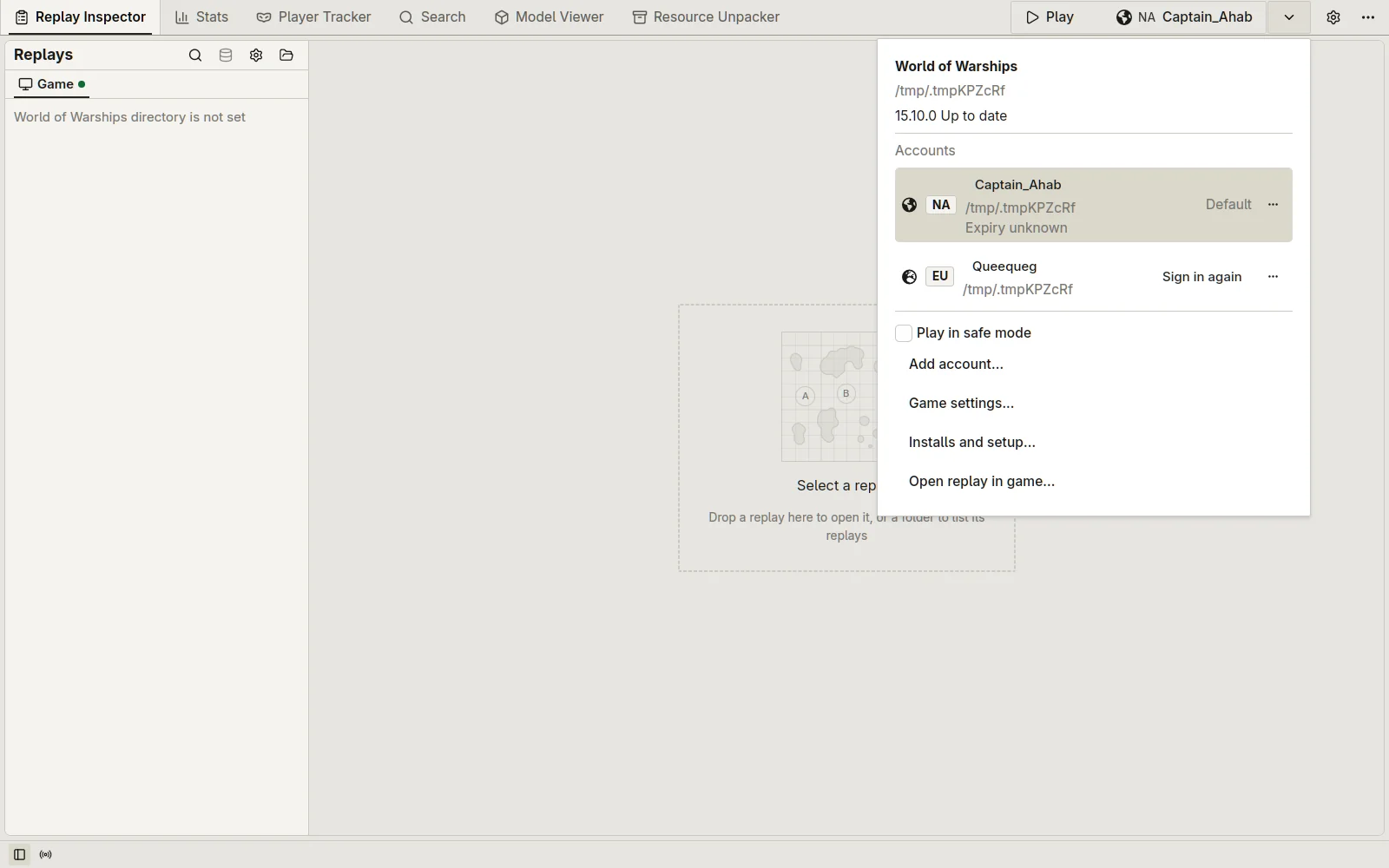
Sign in to your Wargaming account, update or install the game, and launch it, with safe mode and Proton on Linux.

03

Match contribution

A per-battle rating on the PR scale, shown beside PR in replays, search, and stats. Hover either rating for its breakdown.

04

Model viewer

Open any model in the game, including armored buildings and gun mounts, and export it to GLB with its textures.

05

Current match and player tracker

Redesigned. Current match, players, and clans are panels you can place side by side, and your filters are kept.

06

Anonymized names

Replace every player name and clan tag with a generated one before you share a screenshot or stream.